
Account levels

Orion Stars distributor, sub-distributor and agent

We issue three business levels on Orion Stars. The empty-backend review, the 500-point prepaid minimum, and the rule that later loads stay on the issued login apply to all three. Choose the level that matches how you already work with agents and stores.

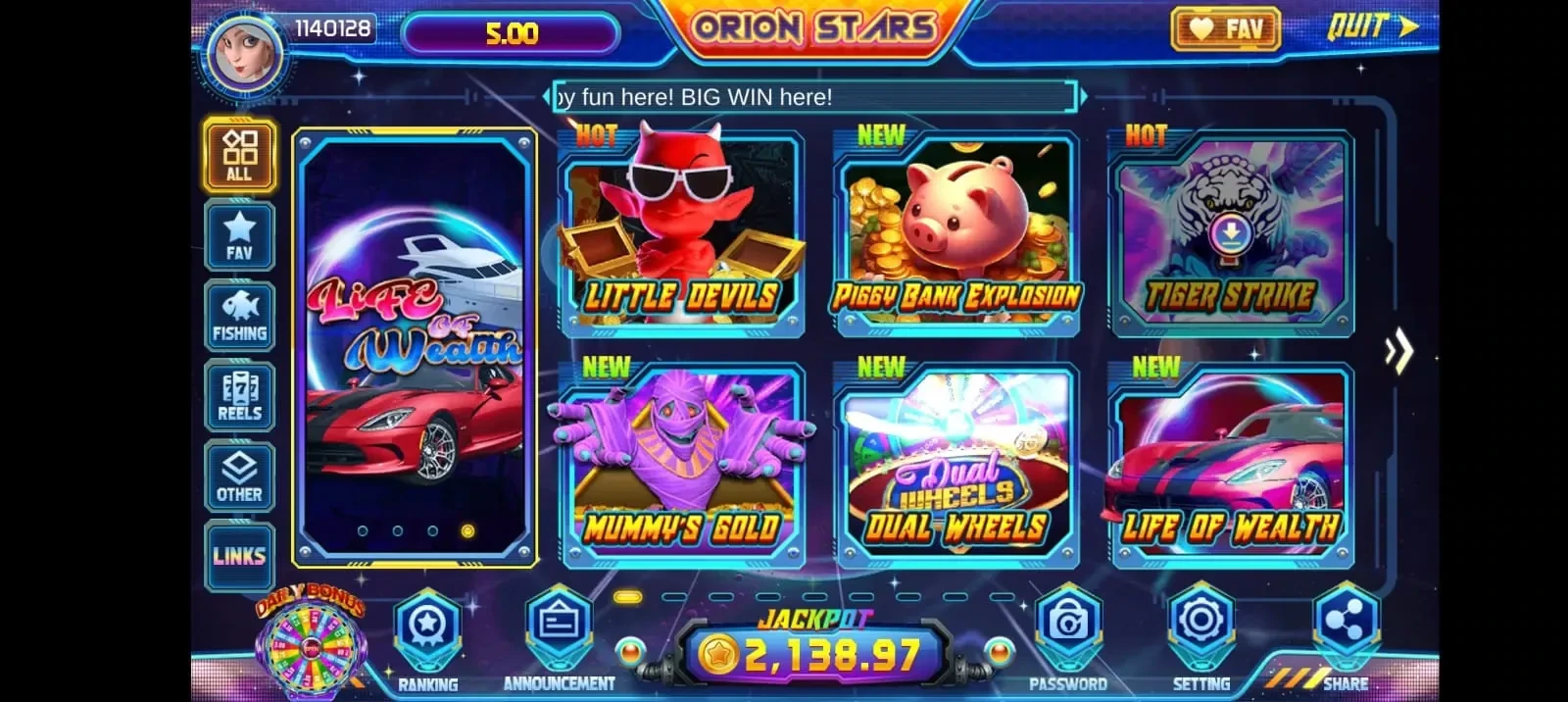
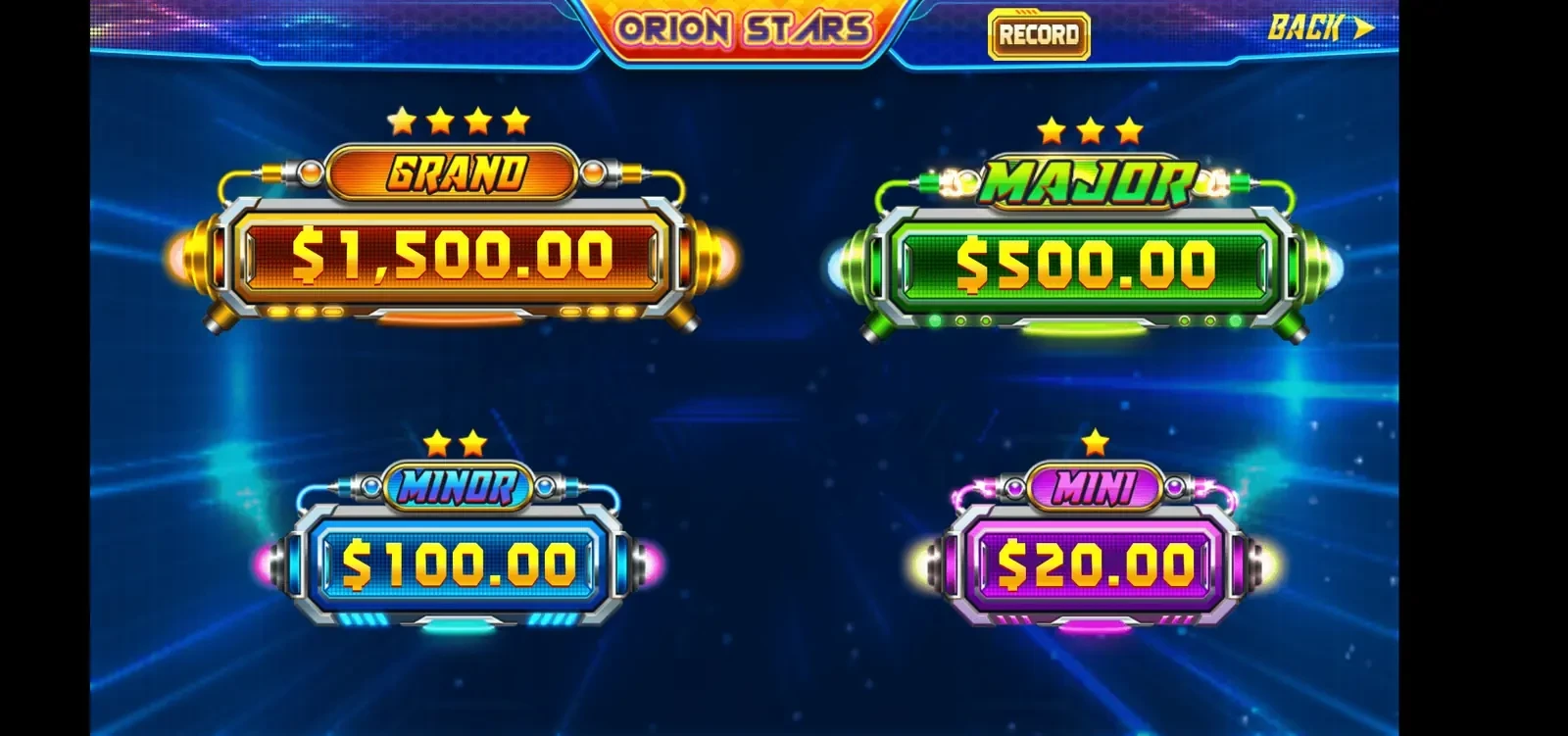
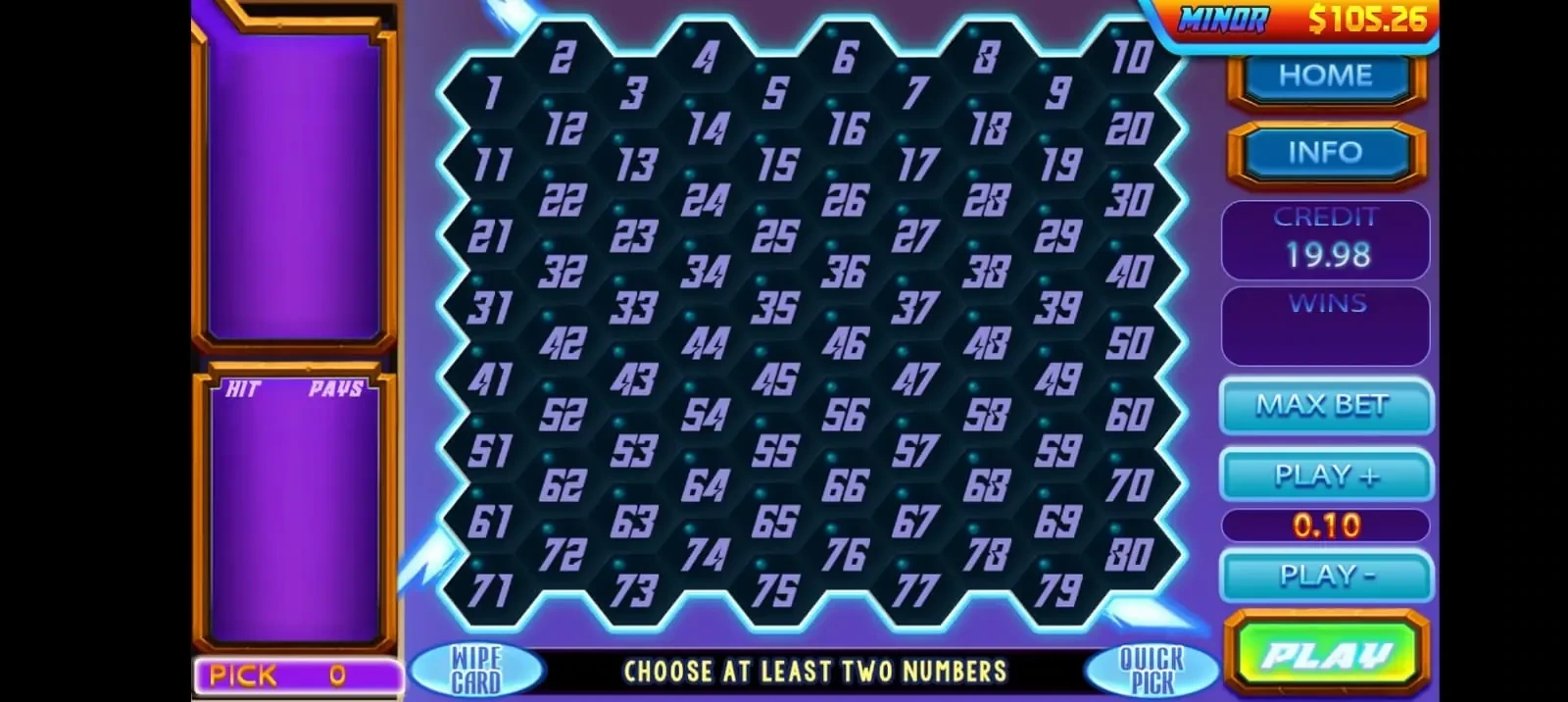
Orion Stars game lobby screenshot

Level 1

Distributor account

Full wholesale access to Orion Stars. This level is for operators who load points for many agents and customers, and who want to grow an agent downline from one backend.

  • Wholesale prepaid points after the empty-backend review
  • Create and manage sub-accounts for your own network
  • Store and player accounts under your login
Level 2

Sub-distributor account

A mid-level account between distributor and agent. Use it to load points for your own group of agents and stores without holding the top wholesale seat.

  • The same prepaid minimum of 500 points
  • A login issued and reloaded only by this site
  • Ask in chat if you are unsure whether this level or a full distributor seat fits
Level 3

Agent account

An Orion Star agent account for serving your own store customers. You still get the agent dashboard, player-account tools, and balance controls described on the home page. Orion Star agent registration for this level is handled in chat with us, not on a public form.

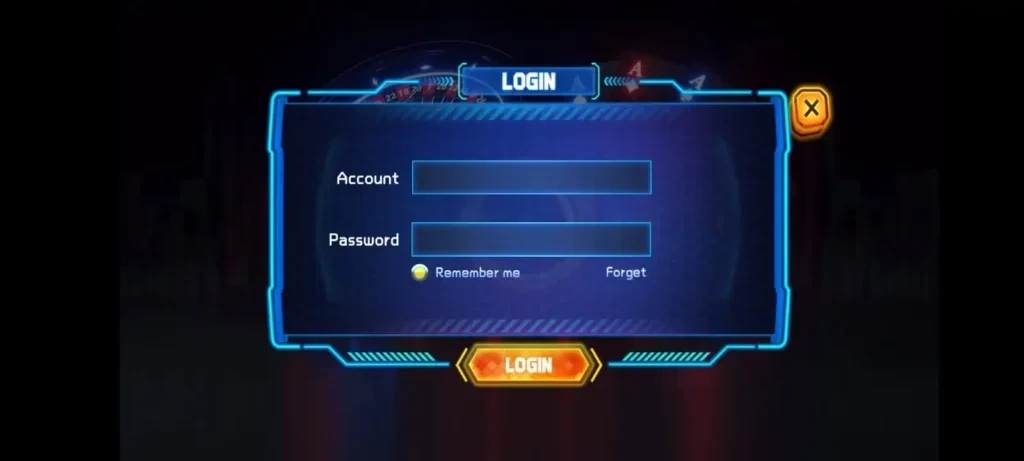
  • Agent login at the official agent page once we have issued the account
  • Create player accounts and manage balances from the backend
  • Reloads only on this login issued here

The Orion Star agent login address, https://orionstars.vip:8781/Agent.aspx, is for a backend we have already created. It does not register a new Orion Star agent online. For the order of steps, see the distributor guide.

FAQ

Questions about Orion Stars login levels

What is the difference between a distributor, a sub-distributor and an agent?

A distributor account is the wholesale level for operators who load points for a network of agents and customers. A sub-distributor sits between distributor and agent and can load points for its own agents and stores. An agent account is for serving that agent's own store customers. We can issue any of these three after an empty-backend review and a prepaid load of at least 500 points.

Can a distributor or agent create sub-accounts?

Yes. On an issued Orion Stars backend, distributor and agent accounts can create and manage sub-accounts for their own customers. Store and player accounts sit under your own login.

How does Orion Star agent registration work?

There is no public Orion Star agent registration page on this site, and the agent login address is not a sign-up form. Message us on WhatsApp or Telegram, say whether you need a distributor, sub-distributor or agent account, and name the country or state where you operate. We first send an empty backend so you can sign in and review it. When that review is satisfactory, you prepay (minimum 500 points, no credit). After payment is confirmed, the points are loaded and we send the username and password in chat.

Where is the Orion Star agent login?

If we have already issued your account, sign in at https://orionstars.vip:8781/Agent.aspx with the username and password sent in chat. That address is for an existing backend issued here. It is not public agent registration and does not create a new account.