
An Orion Stars backend is a business tool, but the reason a store or game room adds the platform is the lobby its customers see. Staff who know roughly what is in that lobby answer questions faster and set fewer wrong expectations. This note walks through the kinds of games and screens in the Orion Stars lobby, using only pictures and titles already shown on this site, and explains how to talk about a lineup that changes over time.
One lobby, several kinds of game
Orion Stars — also searched as Orion Star — brings different game types together in a single space-themed lobby. The screenshots on this site show:
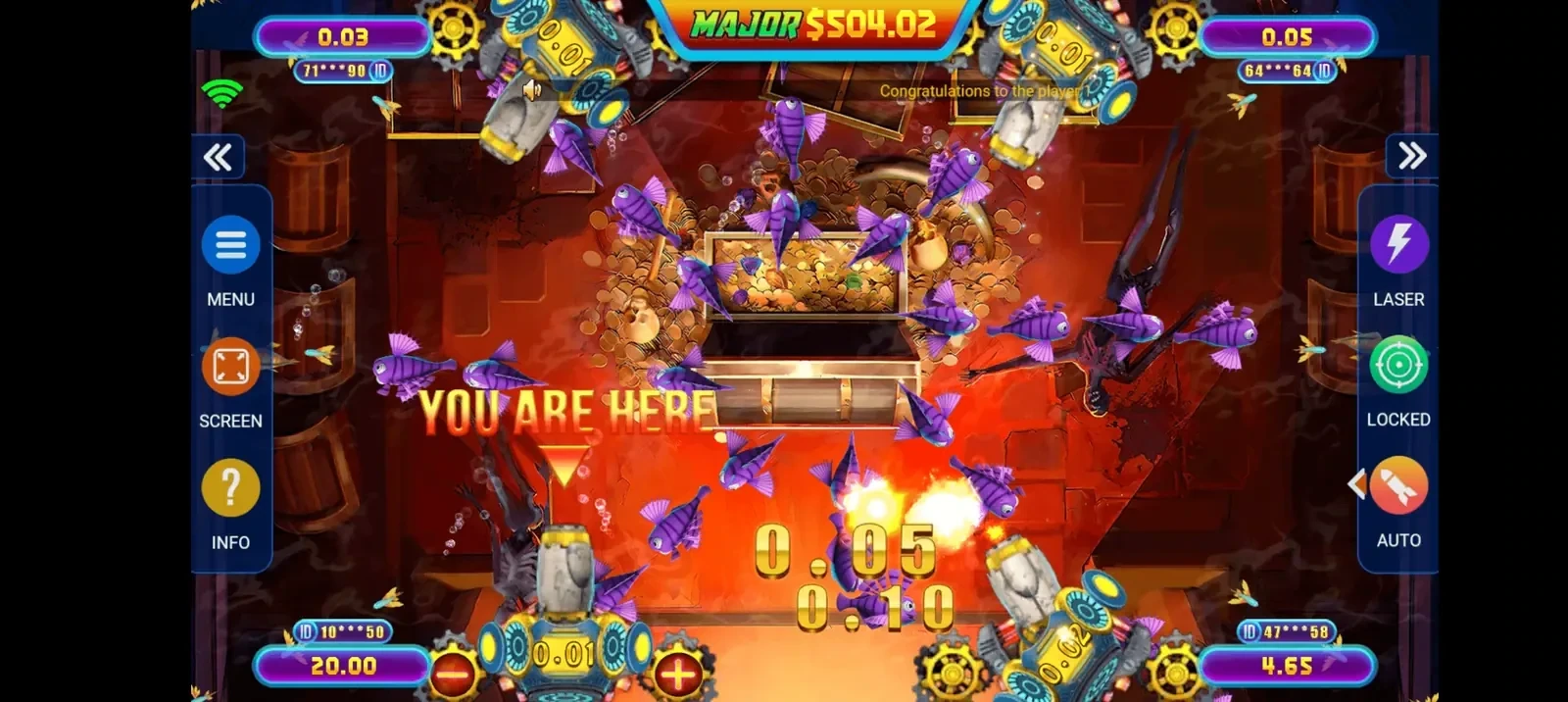
- Fish tables. The shooting-style games many customers ask for by name. Two of the screenshots in the gallery are fish tables.
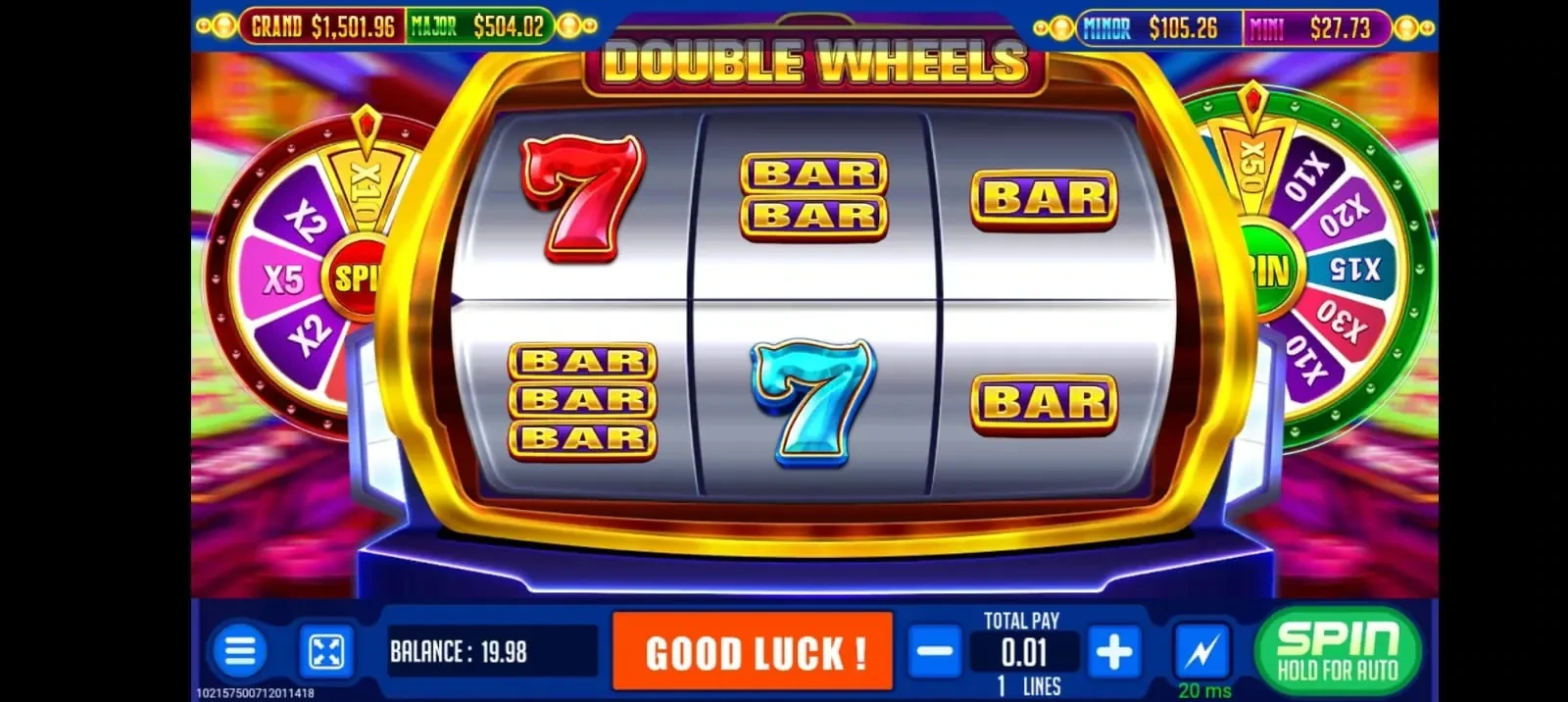
- Video and classic slots. Several slot screens appear in the gallery, in both landscape and phone-portrait layouts.
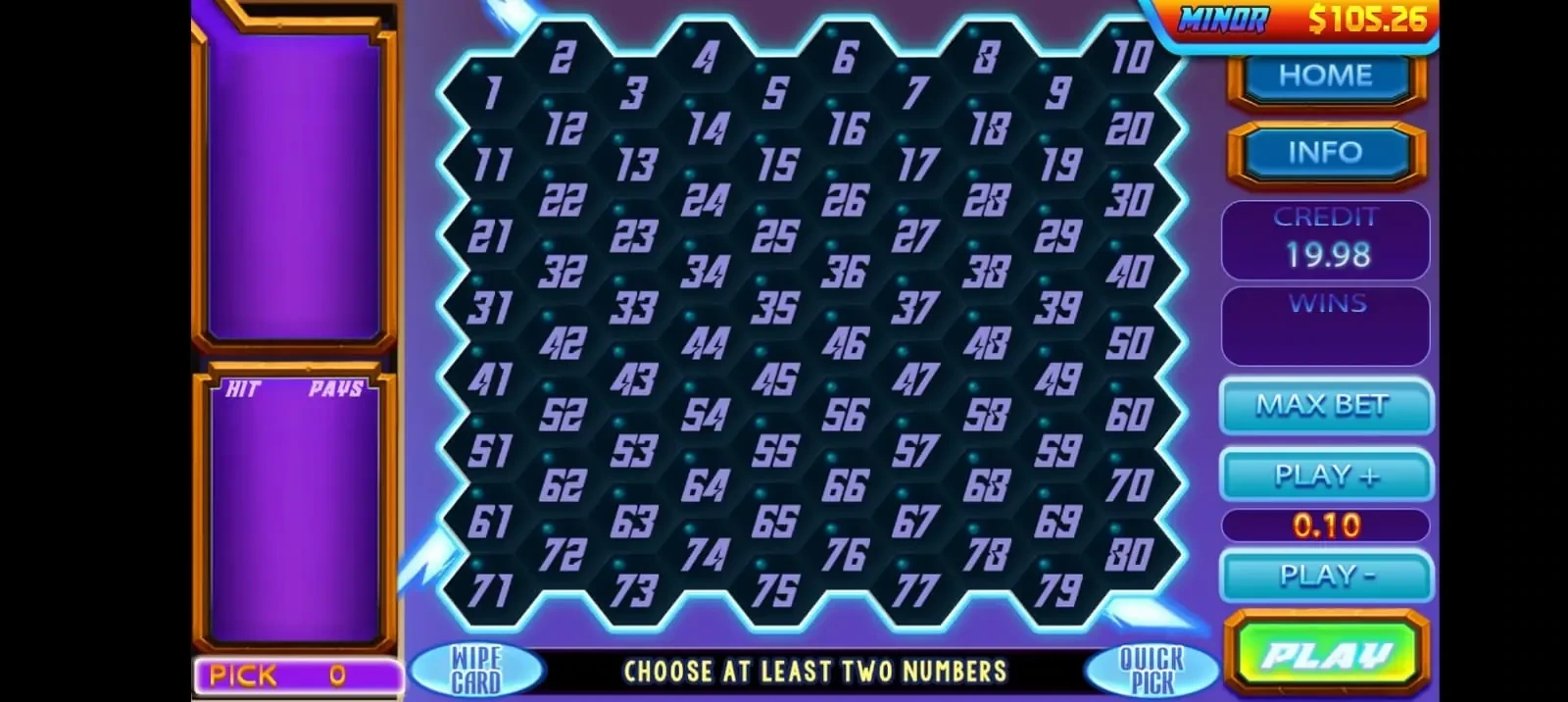
- Table and number games. The gallery includes a blackjack table, a keno game and a video poker screen.
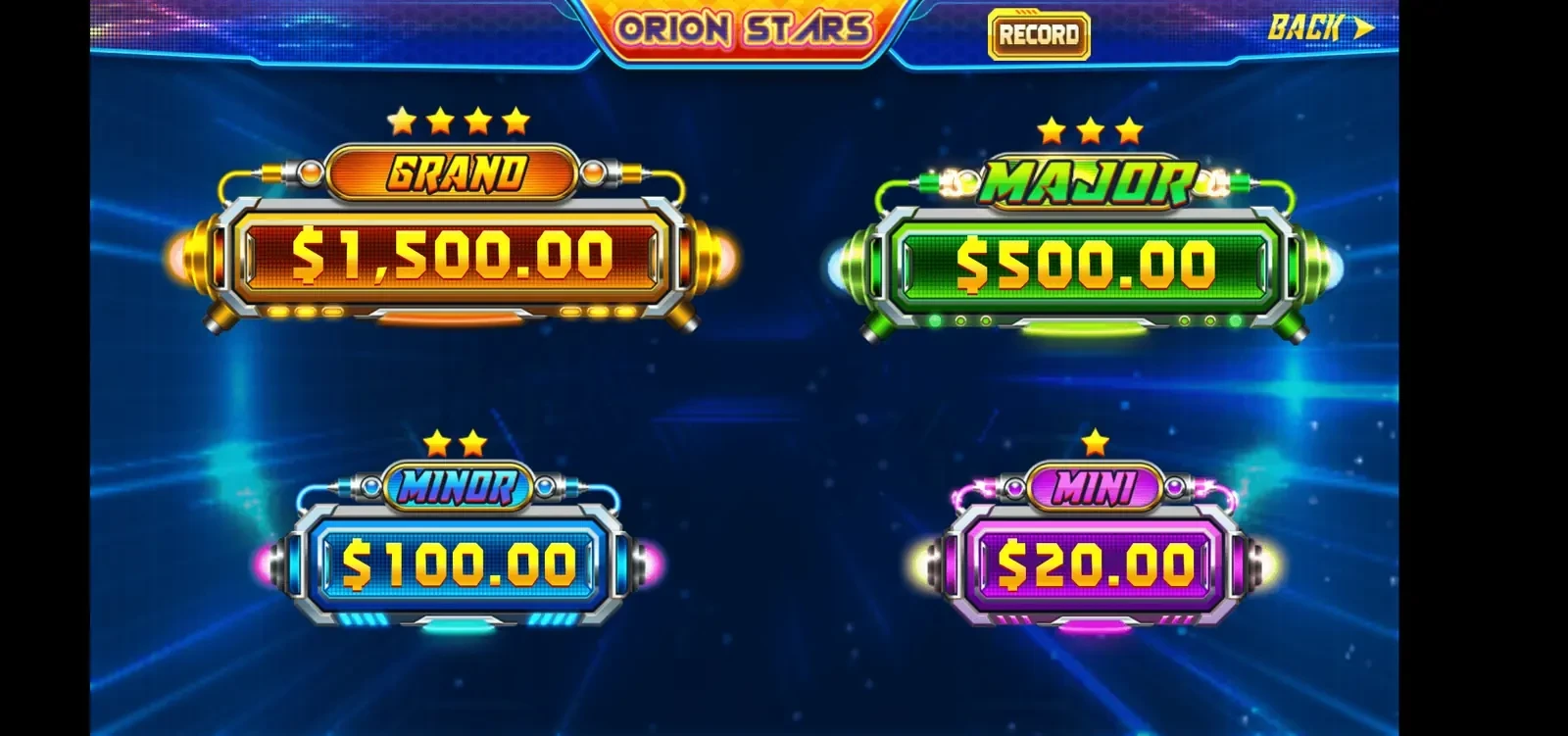
- Feature screens. A jackpot display, a bonus wheel, a winners leaderboard and a notice screen also appear inside the platform.
Those categories are what the pictures show. They are not a promise that any particular game will be available on a given day.
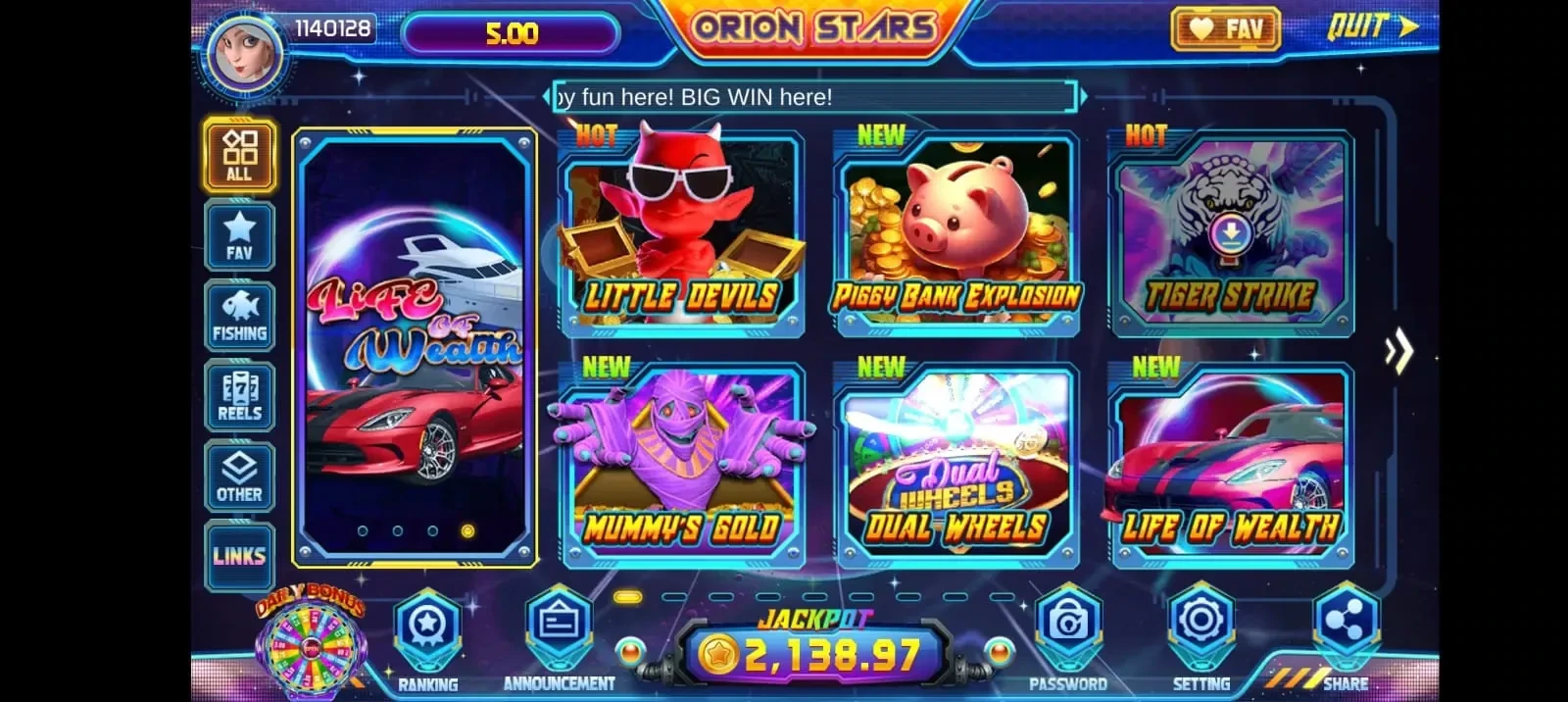
Twelve titles verified from public sources
This site lists twelve Orion Stars titles that we checked against public title lists. The platform holds more than these twelve, and the list here is only a reference point for staff, not a full catalog.
 Ocean King
 Fire Kirin Classics
 Crab Avengers
 Golden Toad
 Mermaid's Pearl
 Dragon Slayer
 Megaladon Strike
 Mummy's Gold
 Piggy Bank
 Tiger Strike
 Little Devils
 Mega Keno
If a customer asks for a game that is not on this list, the honest answer is to look in the lobby itself rather than to guess. This site does not keep a live title list and does not claim that every title is open in every lobby at all times.
Phones, tablets and desktops
The same Orion Stars lobby runs on a phone, a tablet or a desktop, and several of the gallery screenshots are phone-portrait views. For a store, that mostly matters for how the room is set up and how staff explain access. It does not change anything on the business side: player accounts are still created and managed from your backend.
How the lobby connects to your backend
Customers play in the lobby, but everything that involves balances happens in your Orion Stars backend. From the agent panel you create player accounts, add or remove balance, and load or redeem player points. The backend is opened at the Orion Star agent login, https://orionstars.vip:8781/Agent.aspx, using the username and password we send in chat once the account is created. That address is a sign-in page, not a registration form or a player link. The longer explanation is in Orion Star agent login and registration with us.
Talking about the lineup without overpromising
- Describe the lobby by game type — fish tables, slots, table and keno games — rather than promising a fixed list of titles.
- Do not quote win rates, payout figures or jackpot amounts that you have not seen on the screen yourself. This site does not publish any.
- Keep your own short notes on which titles your regulars ask for, and check them against the live lobby from time to time.
- Remember that Orion Power and Orion Strike are separate platforms with their own lobbies and their own backends. A title in one of those lobbies is not automatically in Orion Stars.
Seeing the lobby before you buy points
New clients receive an empty Orion Stars backend first, at the level they asked for — distributor, sub-distributor or agent — so they can sign in and look around before paying. Only after that review is a prepaid load sent, from a minimum of 500 points, with no credit. Later points are loaded only onto the account we issued. The full sequence is on how ordering Orion Stars points works, and the levels are compared on distributor, sub-distributor and agent roles.
Who this note is for
It is written for U.S. distributors, sub-distributors, agents and store or game-room operators. Game credits are not sold to individual players here. This site is an independent seller and is not affiliated with or endorsed by the Orion Stars developer. Rules for game rooms differ by state and city; this note is not legal advice.